DTF Printing Efficiency: Managing Speed and Image Quality
DTF print speed and image quality trade off through two main variables - resolution (DPI) and pass count. Fast modes hit production throughput but lose fine detail; high-precision modes are sharp but slow. Most production teams settle on hybrid modes that balance both. This guide walks the trade-off.
The speed-vs-quality relationship
DTF print quality comes from inkjet droplet placement and ink coverage. Increasing either DPI or pass count improves edge sharpness, color depth and gradient smoothness - but both cost time. Production teams tune to the specific job rather than running one mode for everything.
Key factors affecting DTF print speed and quality
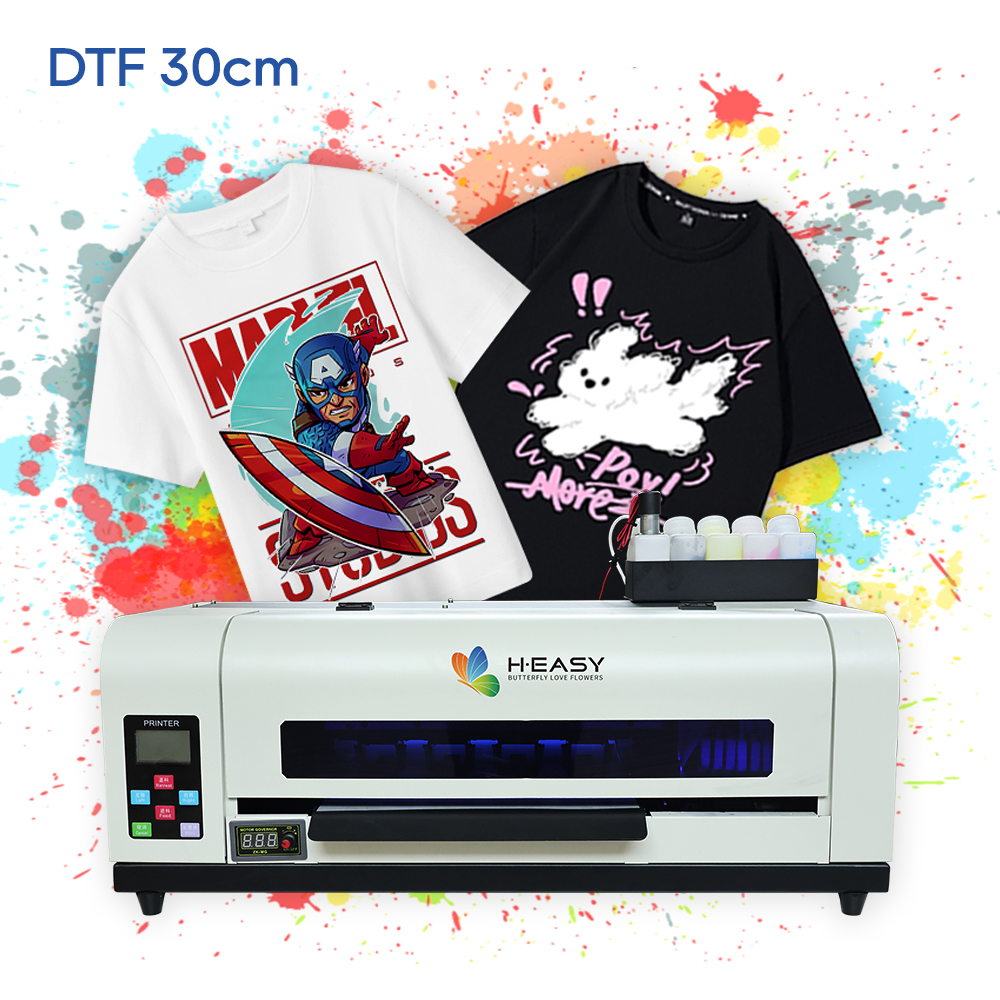
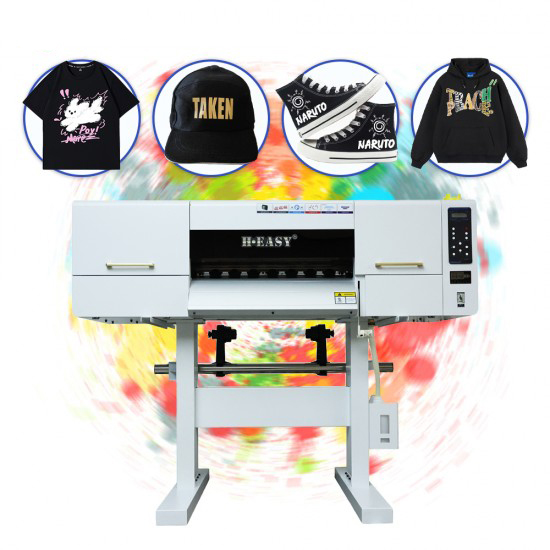
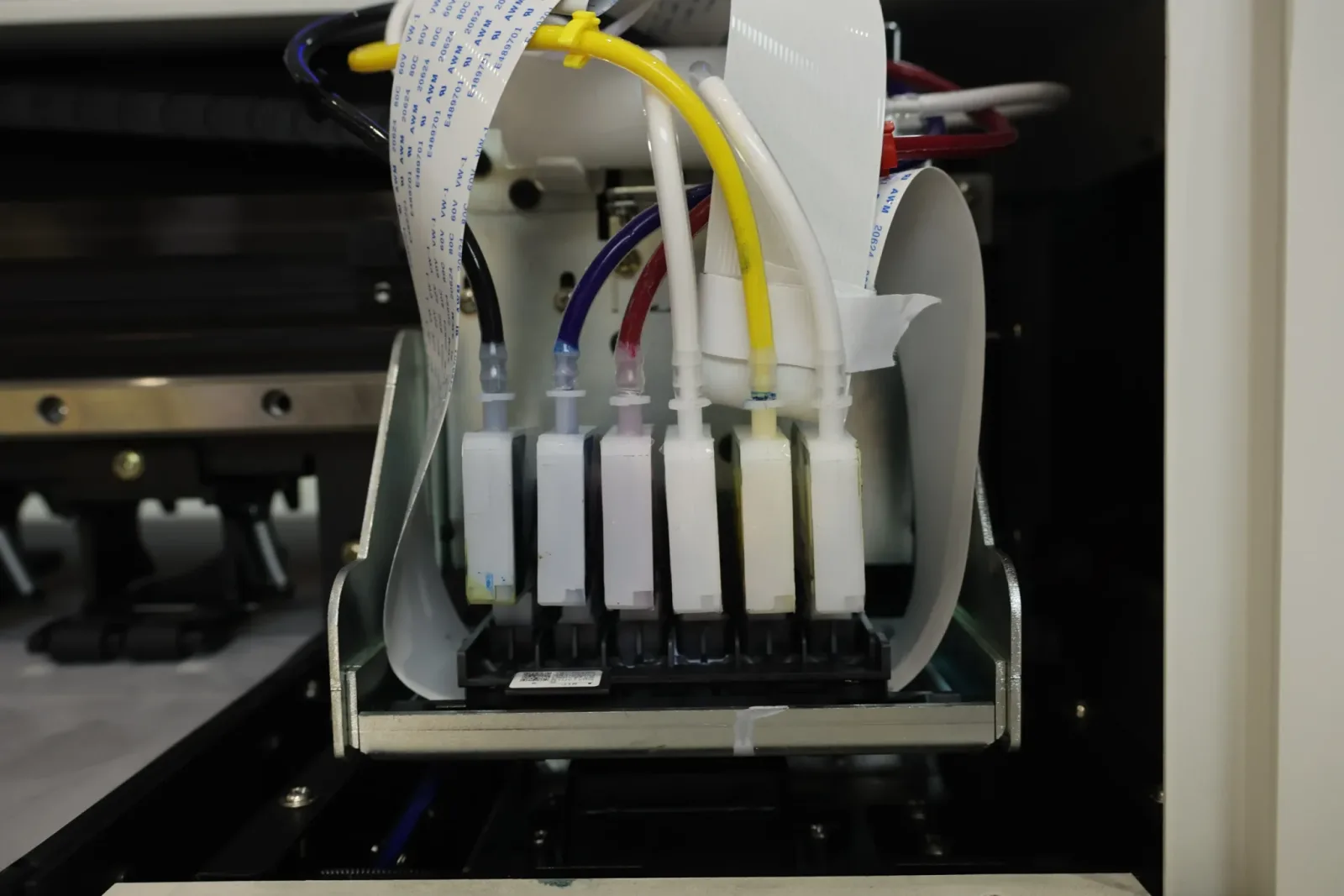
- Printhead type and count. Dual Epson i3200-A1 (HY-702) prints ~5× faster than single XP600 (HY-401) at the same DPI / pass settings.
- Ink and film quality. Inconsistent ink or film causes nozzle stalls; measured throughput drops well below headline speed.
- DPI setting. Higher DPI doubles down on detail at the cost of pass time.
- Pass count. More passes lay more ink; better white-coverage and gradients, slower output.
- Daily maintenance. Dirty wipers, partial nozzles or sedimented white ink reduce real-world speed even when the machine “says” it’s fast.
- Environmental conditions. Out-of-spec humidity affects ink drying on the film, leading to powder-application issues that bottleneck shaker throughput.
Speed vs quality reference table
| Mode | DPI | Passes | Throughput | Detail |
|---|---|---|---|---|
| Fast | 720 × 720 | 1 | High | Medium |
| Standard | 720 × 720 – 1440 × 720 | 2 | Medium | Medium-high |
| High-precision | 1440 × 1440 | 3–4 | Low | High |
| Hybrid | 1440 × 720 | 2–4 | Medium-high | High |
A dual-head 60 cm DTF printer like the HY-702 hits ≈22 m²/h at 4-pass and ≈15 m²/h at 6-pass - the production sweet spot for most adult-garment work.
Resolution guidance by use case
- Standard T-shirts: 150–300 DPI artwork at print size; print at 720 × 720 DPI, 2-pass.
- High-end designs (gradients, fine type): 300–600 DPI artwork at print size; print at 1440 × 1440 DPI, 3–4 pass.
- Logos and flat-color graphics: 150 DPI artwork is plenty; print at 720 × 720 DPI, 1–2 pass.
Practical strategies for daily throughput
- Test sample before committing a run. Print one sample at the planned settings, heat-press it, wash-test it, and adjust before queuing the full batch.
- Batch by mode, not by customer. Sort orders into “fast”, “standard”, “high-precision” buckets and run each mode in continuous batches - switching modes costs time per switch.
- Maintain consistently. Daily nozzle checks, wiper cleaning and white-ink circulation checks prevent the slow degradation that quietly eats production speed over weeks.
- Tune ICC profiles. A correct profile for the ink / film / powder combo removes per-print color tweaking time.
- Watch shaker throughput. A separate standalone shaker is the most common bottleneck - printer output queues behind the shaker, not behind itself.
When to prioritize speed vs quality
- Bulk order, standard artwork → prioritize speed: fast or standard mode.
- Premium custom work, low volume → prioritize quality: high-precision or hybrid mode.
- Mixed daily mix → run a hybrid mode as default and switch only for outliers.
Optimization tips
- Use the correct adhesive powder grade for the fabric - fine for high-detail, medium / coarse for heavy stock.
- Pre-heat film if production humidity makes powder adhesion patchy.
- Match curing temperature to film TDS - under-cured powder is the hidden cause of “fast but unreliable” production.
- Keep workflow consistent: same operator, same SOP, same QC steps. Process consistency makes throughput predictable.
Conclusion
DTF efficiency is a tunable trade-off, not a fixed number. Pick DPI and pass count per job, batch by mode, maintain the printer daily, and watch the shaker. The right hardware - dual industrial heads, white-ink circulation, inline shaker - sets the ceiling; daily process tuning is what gets you to it.
Step up to the HY-702 60cm production DTF printer when desktop output stops scaling, or start with the HY-401 30cm desktop DTF for sampling and short-run jobs.
Printers matched to this guide