DTF Heat-Transfer Adhesion: Causes & Solutions

DTF transfer adhesion failures trace to four root causes: low-quality materials, miscalibrated equipment, uneven powder application, or wrong heat-press settings. Reference cure parameters for a typical 60cm DTF production machine (HY-702 / HY-704 class): 150 °C, 0.5 MPa, 15 seconds. This guide walks each failure mode and the fix.
1. Material quality
Transfer film
Low-quality PET films don’t separate cleanly during peel, leaving incomplete prints and edges that lift. Production-grade film uses a multi-layer coating with consistent release behavior - see the ultimate guide to DTF film.
Adhesive powder
Poor powder uniformity causes weak bonding and peeling after washing. Symptoms of bad powder: uneven granule size, clumping in the bag, inconsistent melt behavior across batches.
DTF ink
Low-quality inks bleed and deposit unevenly. Beneath the visible quality problem is an adhesion problem - uneven ink means uneven underbase for the powder to bond to.
2. Equipment calibration
- Over-ink application → powder can’t fully bond to a wet, thick ink layer
- Under-ink application → thin underbase makes weak adhesive bond
- Clogged nozzles → uneven ink distribution → patchy adhesion
Daily nozzle checks and ink-density calibration prevent this category of failure entirely. See DTF printer maintenance checklist.
3. Powder application
- Uneven coverage → some areas under-coated (weak bond) or over-coated (stiff feel and white edges)
- Excess residue not shaken off → compromises adhesion and leaves visible powder on the fabric after press
- Wrong powder grade for the fabric - see DTF powder size and curing window
4. Heat-press settings
Reference for HY-702 / HY-704 class production
| Parameter | Value |
|---|---|
| Temperature | 150 °C |
| Pressure | 0.5 MPa |
| Dwell time | 15 seconds |
| Peel | Per film TDS (cold or warm) |
Common heat-press failure modes
| Symptom | Likely cause |
|---|---|
| Edges peel easily | Temperature too low or dwell time insufficient |
| Print hardens / discolors | Overheating - powder degrades |
| Inconsistent adhesion across the design | Uneven press temperature distribution |
| Print lifts after one wash | Severely under-cured powder |
Diagnostic flow
When a batch shows adhesion problems:
- Heat-press first - verify temperature with a contact thermocouple on the platen surface; verify pressure and dwell time
- Powder second - check grade matches fabric, check for uniform application, check for excess residue
- Print third - verify ink density on the test pattern, verify nozzle health
- Materials fourth - switch film batches, switch powder batches, switch ink batches if all else passes
Most adhesion failures resolve at steps 1–2. Materials problems are real but rarer than process problems.
Solutions
- Test materials thoroughly before committing a production run
- Maintain printer equipment regularly - see the DTF maintenance checklist
- Apply powder evenly with calibrated shaker settings
- Validate with small batches before full production - wash-test the sample before approving the run
Production hardware
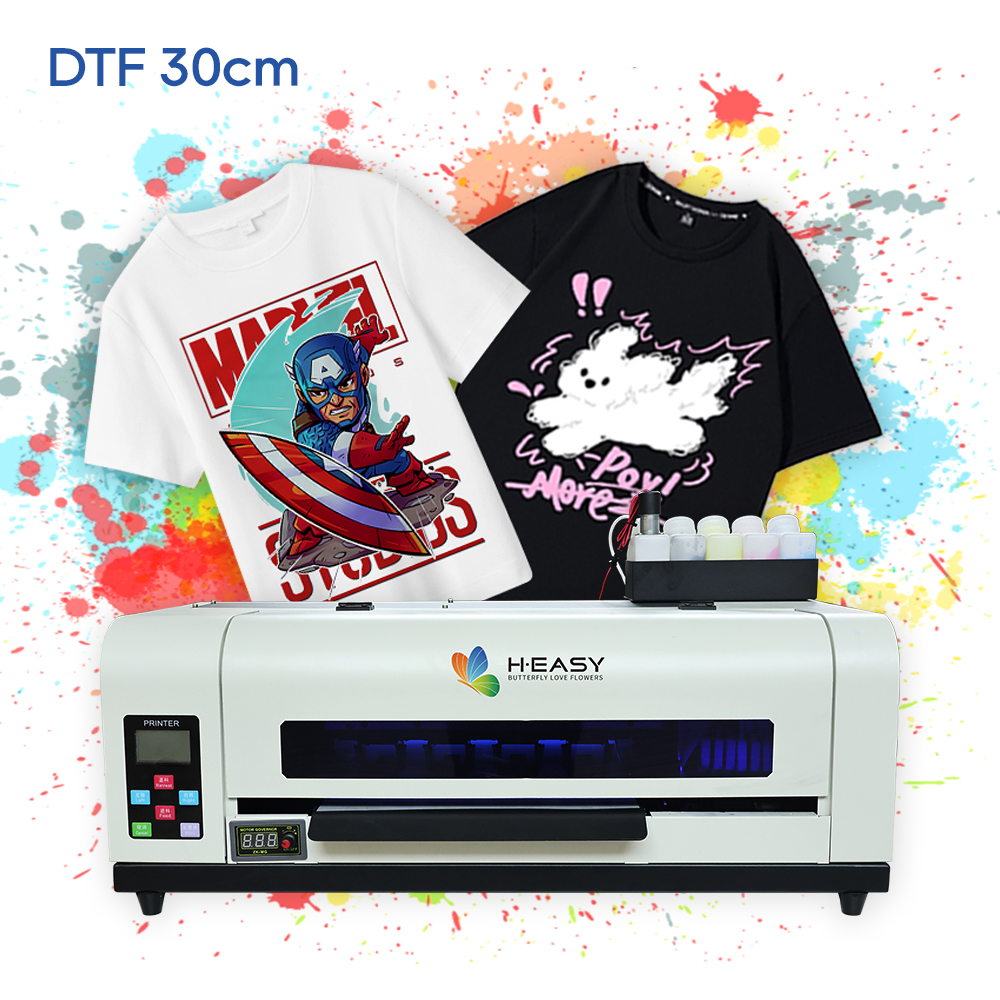
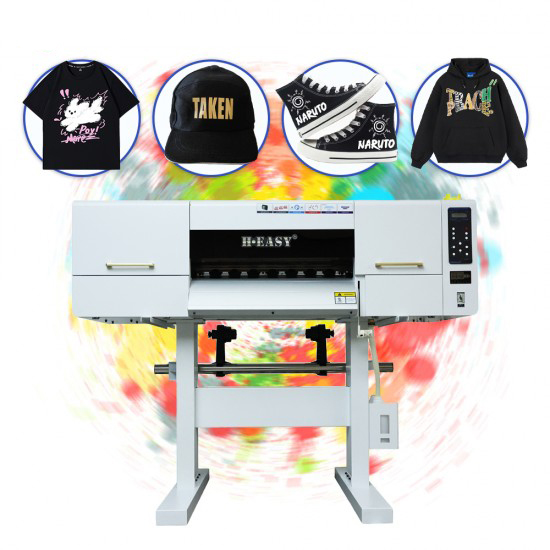
For DTF production with built-in adhesion-related reliability features (integrated inline shaker, controlled curing, HyCIRC™ white-ink circulation), see the HY-702 60cm DTF printer. For desktop sampling, see the HY-401 30cm DTF.
Printers matched to this guide